Joomla#
Resources#
Installation#
First I tried the Turnkey Linux appliance.
This really works fantastic:
appliance.
This really works fantastic:
- download an ISO
- run it under VirtualBox (just 2 GB filesystem and 128 MB memory, fine)
- configure a few passwords, and you get a complete Joomla, Webmin, Shellinabox, PHPMyAdmin, SSH:
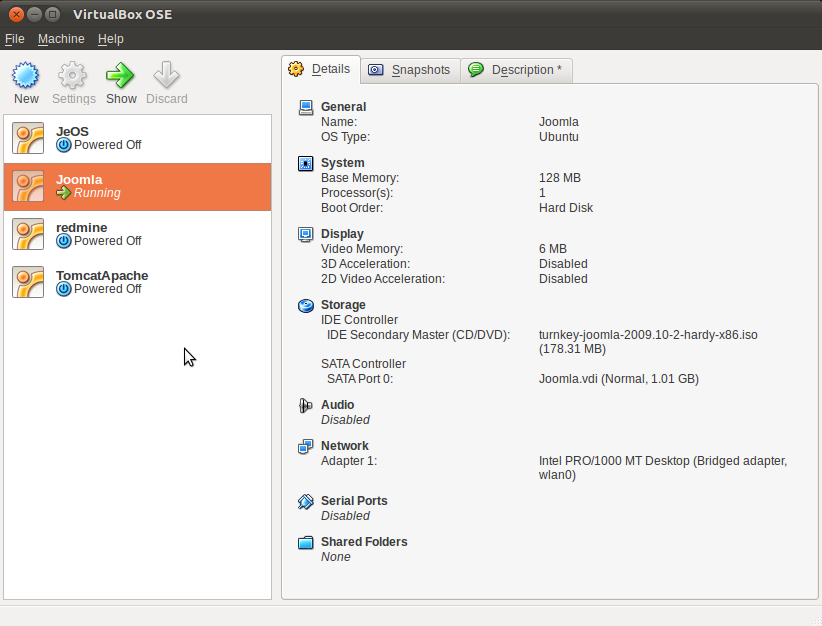
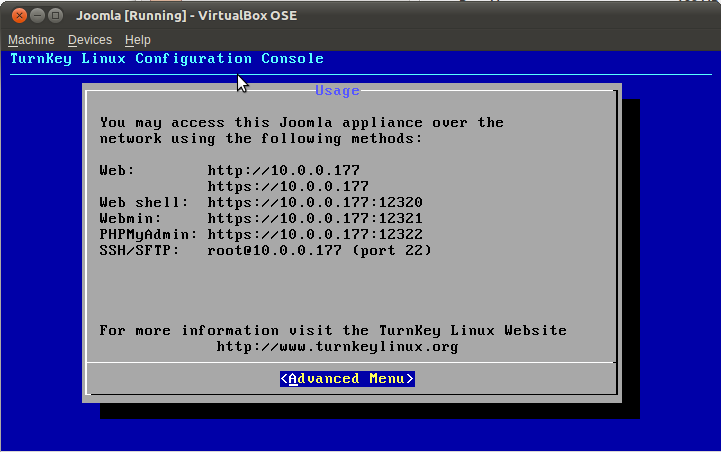
- fire up to the Joomla URL and login with admin and off we go.
Play a bit with templates, articles, sections and categories, works flawlessly.
On scharnhorst server#
Because I don't want my laptop (running VirtualBox) to act as a server and be powered on all the time, I also want to deploy Joomla to my already running laptop server.
I had a spare openvz host (scharnhorst) that I use for that.
I followed the above mentioned Ubuntu install guide a bit, to summarize:
- make sure the requirements are met (apache, MySQL, PHP)
- create joomla database
- create joomla mysql user
- unzip the downloaded joomla to /var/www/Joomla
- fire up browser, a few configuration steps, and off we go !
